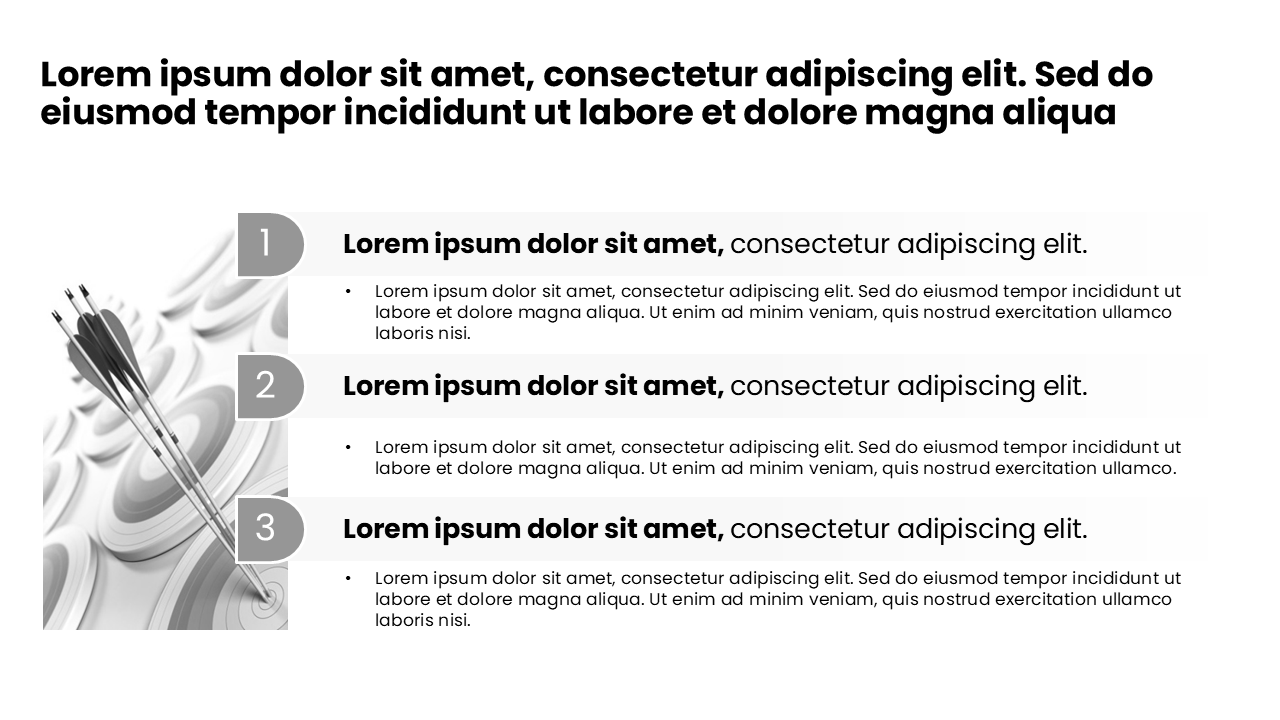
Shuffle through a curated set of 16:9 slide layouts to spark new PowerPoint design ideas for your next presentation.
PowerPoint Design Ideas for Modern, Professional Slides
If you spend a lot of time building presentations, you know how hard it can be to come up with fresh PowerPoint design ideas for every deck. This page gives you an always‑growing gallery of simple, modern, and highly practical slide layouts. Each idea is designed for a 16:9 PowerPoint slide and focuses on clarity, structure, and real‑world business use cases.
Use the Feeling Lucky button above to shuffle through different layouts at random, or simply scroll for inspiration. When you find a style you like, head over to the Download Templates page to get a full set of editable PowerPoint templates that match the same design language.
What Makes a Strong PowerPoint Design?
Great PowerPoint design is not just about colors and icons. The best PowerPoint design ideas focus on visual hierarchy, spacing, and storytelling. When you look through the slide layouts on this page, you'll notice a few recurring patterns:
Clean, generous whitespace so your audience always knows where to look first.
Clear typographic hierarchy with a strong title, short supporting text, and minimal clutter.
Consistent alignment and grids so every slide feels like part of the same system.
Visual anchors such as icons, shapes, image placeholders, and accent color blocks to draw attention.
Action‑oriented layouts built for real work: problem–solution slides, timelines, roadmaps, comparison tables, and more.
Types of PowerPoint Design Ideas You'll Find Here
The gallery covers a wide range of PowerPoint slide designs that you can reuse across different projects:
Executive Summary Slides
One‑page overviews for busy executives. Emphasis on key takeaways, metrics, and decisions. These PowerPoint design ideas keep everything scannable in under 5 seconds.
Before / After & Problem / Solution
Side‑by‑side layouts that highlight change, improvement, or transformation. Perfect for consulting, product pitches, and internal initiatives.
Roadmaps & Timelines
Linear and non‑linear roadmaps to explain project phases, product launches, or strategic initiatives across quarters and years.
Comparison & Options Slides
Visual frameworks to compare options, vendors, plans, or scenarios. These presentation design ideas help stakeholders make decisions faster.
Data‑Friendly Slide Layouts
Focused layouts that leave room for charts and tables without making the slide feel crowded. Designed for clarity, not noise.
Visual Storytelling Frames
Image‑driven slides with bold headlines, ideal for opening and closing sections of your deck or for key moments in your story.
How to Use These PowerPoint Design Ideas in Your Own Decks
Browse the gallery: Use the Feeling Lucky button to quickly cycle through different slide layouts and gather PowerPoint design ideas that match your story.
Take notes on structure: Instead of copying the colors exactly, focus on how the slide organizes information: title, content blocks, call‑outs, and supporting visuals.
Adapt to your brand: Swap in your brand colors, fonts, logos, and imagery while keeping the underlying layout and hierarchy intact.
Scale to a full deck: Turn one strong slide layout into a complete set of related slides—section covers, detail pages, and summary views.
Download ready‑made templates: When you're ready, click Download Templates to access a library of fully built PowerPoint templates that follow the same design system.
Why These PowerPoint Design Ideas Work for Busy Professionals
These slide layouts are inspired by how real professionals in consulting, strategy, finance, tech, and marketing actually present their work. The goal is speed and clarity: get from idea to finished PowerPoint faster, with layouts that are already optimized for executive audiences and decision makers.
Whether you're preparing a client pitch, an internal update, or a board presentation, this gallery gives you reusable PowerPoint design ideas that balance minimalism and detail. Use them as a starting point, then customize to your content and your story.
Next Step: Turn Design Ideas into Downloadable Templates
Like what you see above? The fastest way to put these PowerPoint design ideas into action is to start from a high‑quality template pack instead of a blank slide. Visit our templates page to download fully editable slides that match the modern look and feel of the designs in this gallery.
You'll get consistent typography, color styles, and layout systems that help you build decks faster—without sacrificing polish.